ChatGPT Productivity & AI Mastery
₹599₹1,499Save 60%
A Bada Skills course
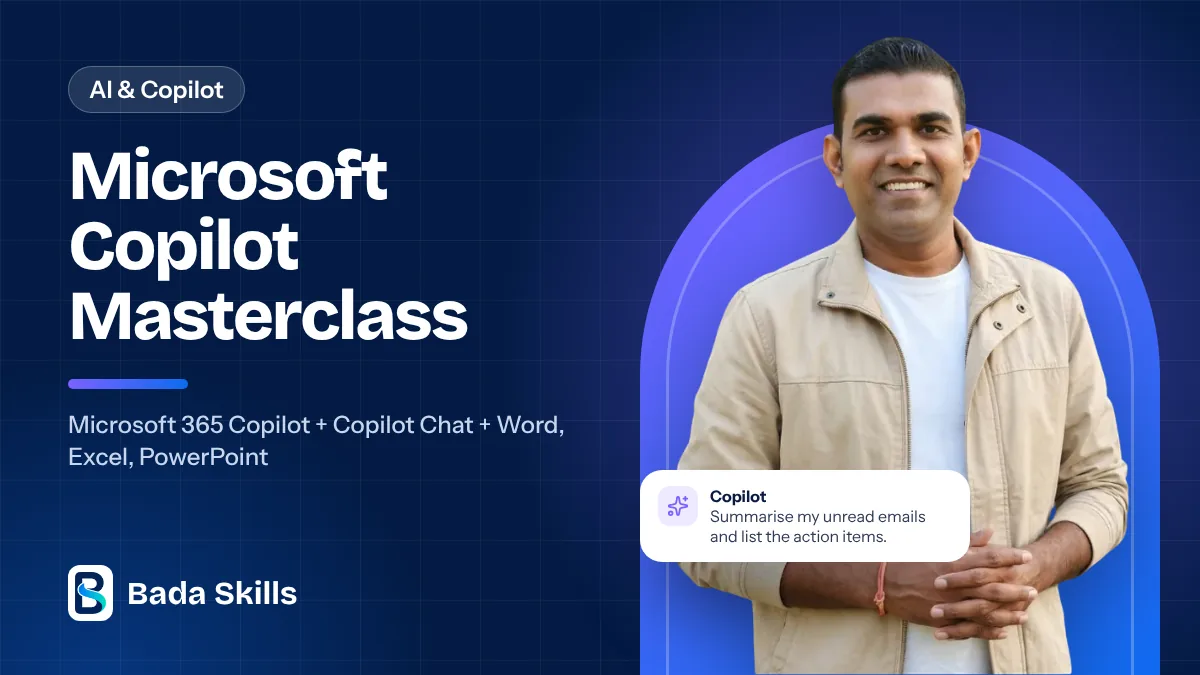
Use Microsoft Copilot in Word, Excel, PowerPoint and Outlook for your daily office work. 7 video lessons.
Secure payment on learn.badaskills.com, the official Bada Skills learning platform
1 section7 videos

Founder & CEO, Bada Skills · Microsoft Certified Trainer
19+ years of corporate training in AI, Excel, Microsoft Copilot, Power BI and Data Analytics. 500+ companies trained.
More about the trainerA mix of Hindi and English, just like a classroom session. All technical terms stay in English so you can use them at work.
Payment happens on learn.badaskills.com, the official Bada Skills learning platform. Once you pay, log in there with the same e-mail or mobile number and start the course right away, on mobile or laptop.
A course you buy has no expiry date on learn.badaskills.com.
Our digital courses and books are non-refundable. If you face an access or technical problem, we fix it or offer another course or extra access instead. Please check the curriculum before you buy, and see the Refund & Cancellation Policy for details.
Useful next steps after this course.